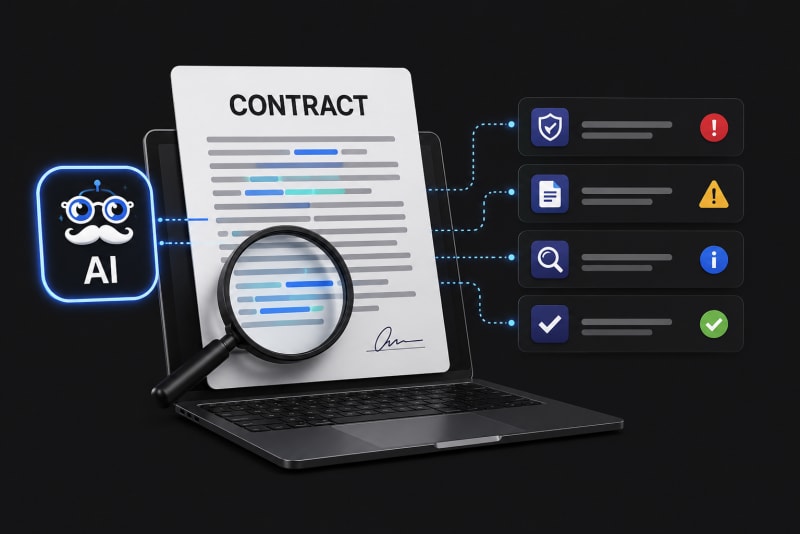


The challenge? Finding the exact insight you need in seconds.
This use case explains how to search a PDF quickly, how to search information in PDF fast, and how to search inside a PDF with Ask the Genie using an intelligent PDF search tool designed for professionals.
The Business Problem
A consulting team is preparing a board-level presentation for a client. They need to:
-
Extract financial risk insights from a 250-page annual report
-
Locate specific clauses from a contract document
-
Find references to operational KPIs in a transformation report
-
Identify compliance-related sections across multiple PDFs
Using traditional methods like CTRL+F is not enough.
Why Traditional PDF Search Fails
Traditional PDF search fails as it only finds exact keyword matches, doesn’t understand context, cannot summarize information, doesn’t answer questions, and struggles with scanned or poorly formatted PDFs. Consultants don’t just need keywords; they need answers.
The Solution: Ask the Genie – An Intelligent PDF Search Tool
Ask the Genie is an AI-powered PDF search tool that helps consultants:
-
Search inside PDF using natural language questions
-
Search information in PDF fast without manually scanning pages
-
Extract insights instead of just finding keywords
-
Get contextual answers based only on the uploaded document
Unlike general AI tools, Ask the Genie answers questions only from the uploaded PDF, ensuring data confidentiality and document integrity, critical in management and consultancy engagements.
Use Case Scenario: Management Consulting Firm
Client Situation
A strategy consulting firm is conducting a post-merger integration assessment. The team has:
-
300-page merger agreement
-
180-page financial performance report
-
220-page operational audit document
-
Compliance and regulatory documentation
The partner needs insights in under 2 hours before a board meeting.
Step-by-Step: How to Search a PDF Quickly with Ask the Genie
Step 1: Upload the PDF
The consultant uploads the required document(s) to Ask the Genie. No complex setup. No technical integration required.
Step 2: Ask Natural Language Questions
Instead of manually scrolling, the consultant asks:
-
What are the major financial risks identified in the merger agreement?
-
Summarize the cost synergy projections.
-
What compliance gaps were mentioned in the operational audit?
-
Where is the termination clause described?
This is how to find text in PDF fast, by asking direct questions instead of searching word-by-word.
Step 3: Get Contextual, Structured Answers
Ask the Genie scans the entire document instantly, understands context, pulls relevant sections, provides concise answers, summarize large sections, and references the relevant parts of the document.
Now the consultant can search inside PDF with Ask the Genie in seconds instead of minutes.
Real Impact in Management & Consultancy
1. Faster Due Diligence
Consultants can search information in PDF fast across financial statements, risk disclosures, legal contracts, governance policies, etc. saving up to 60-80% of the time.
2. Improved Proposal Preparation
When preparing client proposals, consultants often reuse case studies, capability decks, and industry research. Using a PDF search tool like Ask the Genie, teams can instantly retrieve:
-
Relevant statistics
-
Industry benchmarks
-
Past client success metrics
3. Smarter Board-Level Reporting
Senior partners need summarized insights, not raw data. Instead of reading 200 pages, they can ask:
-
Summarize operational inefficiencies highlighted in this report.
-
List the top 5 strategic risks mentioned.
This makes how to search a PDF quickly no longer a technical question, but a strategic advantage.
4. Compliance & Risk Management
Consulting firms handling regulatory advisory can identify risk clauses, extract penalty sections, locate regulatory references, and validate compliance statements, all without manually scanning documents.
Key Features of Ask the Genie for Consultants
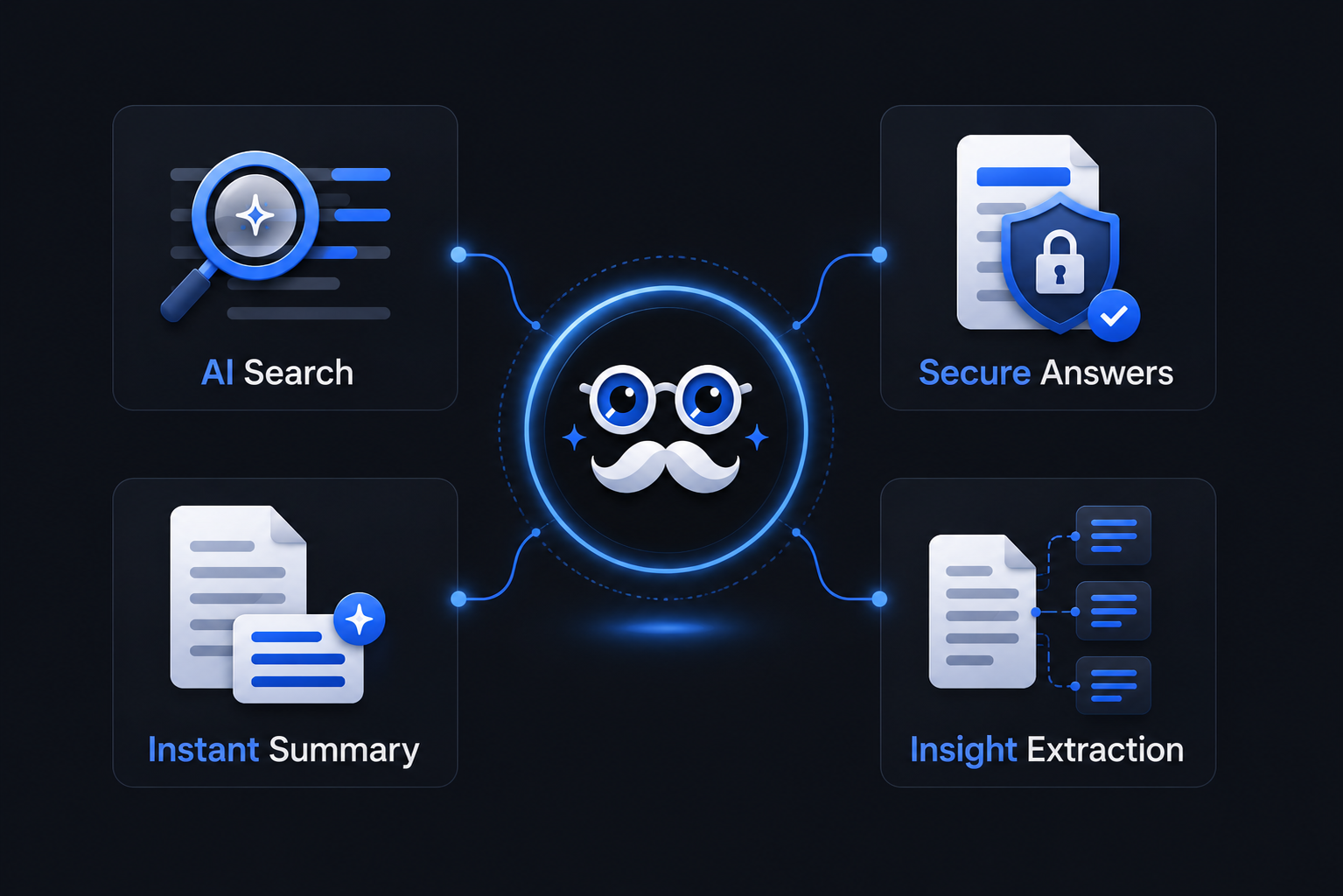
-
AI-Powered Contextual Search
Goes beyond keyword matching to understand intent.
-
Document-Restricted Intelligence
Answers come strictly from the uploaded file, ensuring client data security.
-
Instant Summarization
Convert 50 pages into a concise executive summary.
-
Multi-Section Insight Extraction
Pull insights from different parts of the document into one unified response.
Comparison: Traditional Search vs Askthegenie
For consultancy firms managing tight deadlines, this difference is critical.
| Traditional CTRL+F | Ask the Genie PDF Search Tool |
|---|---|
| Keyword only | Context-aware search |
| Manual reading required | AI-generated summaries |
| Time-consuming | Instant insights |
| No understanding of intent | Understands questions |
| No cross-section analysis | Intelligent document synthesis |
Measurable Business Outcomes
Consultancy teams using AI-driven PDF tools report:
-
50–70% reduction in document review time
-
Faster turnaround for client deliverables
-
Improved insight accuracy
-
Better utilization of billable hours
-
Reduced operational friction
Best Practices: How to Find Text in PDF Fast
To maximize results with Ask the Genie:
-
Ask clear, specific questions
-
Break complex queries into smaller parts
-
Use summary prompts for long sections
-
Ask follow-up questions for deeper clarity
-
Validate insights within the document context
Why This Matters for Management & Consultancy Firms?
In consulting, speed and clarity win deals. When teams can:
-
Search inside PDF with Ask the Genie
-
Search information in PDF fast
-
Understand how to search a PDF quickly
-
Find text in PDF fast without wasting billable time
They gain a competitive advantage.
Ask the Genie transforms document review from a manual task into an intelligent, insight-driven workflow.
Final Thoughts
For management and consultancy firms handling complex documentation daily, an advanced PDF search tool is no longer optional; it is strategic infrastructure. If your team spends hours scanning documents, it’s time to rethink how you search.
With Ask the Genie, you don’t just search PDFs. You extract answers. You accelerate decisions. You deliver impact faster.