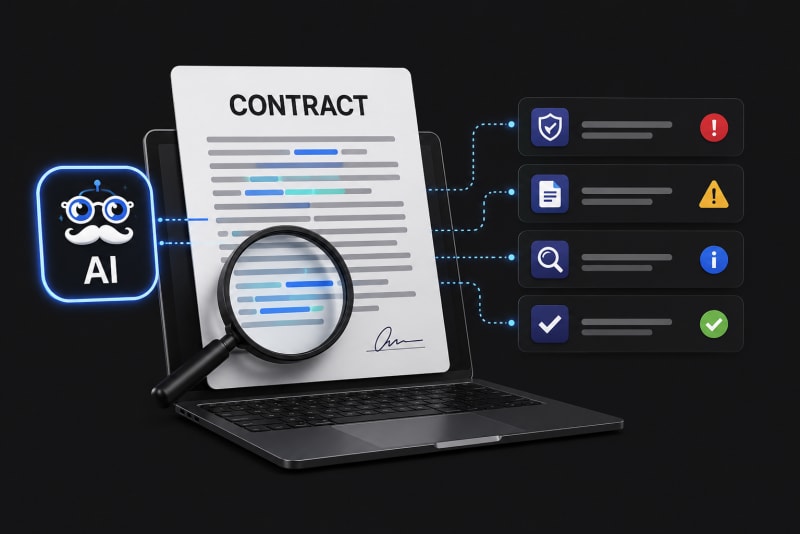


In many organizations, insights are locked inside lengthy PDFs, documents, financial reports, and more. But reading 200–300 pages to find one specific answer is not practical, especially for decision-makers. That’s where AI-powered PDF tools come in.
With the right AI PDF assistant, you can chat with PDF documents, instantly extract insights, and ask direct questions without manually scanning every page.
If you're looking to ask your PDF questions and get precise answers from within the document, this guide explains how it works and why tools like Ask The Genie are transforming document intelligence.
What Does It Mean to Chat with PDF?
To chat with PDF means using artificial intelligence to interact with a document as if you were having a conversation.
Instead of:
- - Scrolling endlessly
- - Using Ctrl + F repeatedly
- - Skimming large sections
You simply upload the PDF and ask:
- - What are the key risks mentioned in this contract?
- - Summarize the executive overview.
- - What is the total projected revenue in this report?
- - List the compliance requirements discussed.
The AI reads the document and responds only using information from inside the PDF.
How AI PDF Assistants Work?
An AI PDF assistant like Ask The Genie works in three simple stages:
1. Upload the Document
You upload your PDF, whether it's 20 pages or 300 pages.
2. AI Analyses the Content
The system scans the text and organizes it into searchable segments.
3. Ask Questions
You type your question in natural language. The AI finds the relevant section and gives you the answer directly from the document.
Unlike general AI chat tools, Ask The Genie does not pull information from the internet. It answers strictly from your uploaded file. That means no external data, no assumptions, no hallucinations, and no unrelated answers—only document-based intelligence.
Why Businesses Need to Ask Questions from PDFs?
Executives and teams deal with high-volume documentation daily. Manually reviewing these documents slows decision-making.
When you ask your PDF using AI, you:
- - Save hours of review time
- - Reduce human error
- - Improve document comprehension
- - Accelerate strategic decisions
- - Empower teams with instant insights
Key Benefits of Using an AI PDF Assistant
1. Document-Only Answers
Ask The Genie answers strictly from the uploaded PDF. If you ask, "What is Global Warming?", it won’t respond unless that information exists inside the uploaded document. This ensures accuracy, controlled context, and business-safe outputs.
2. Instant Summaries
Need a quick overview of a 300-page document? Just type:
Provide key topics covered in this file.
The AI extracts the main sections and summarizes them clearly.
3. Ask Specific Questions
You can go beyond summaries and ask targeted questions like:
- - What are the termination clauses?
- - What penalties are mentioned?
- - What are the revenue projections for 2026?
- - Summarize the risk section in 5 bullet points.
The AI PDF assistant pinpoints exactly where the answer exists.
4. Improved Productivity
Instead of assigning team members to manually review documents, you can upload, ask, and get answers instantly. That’s how modern organizations are using AI to reduce operational friction.
To see how these document workflows fit into a larger productivity strategy, discover the full Benefits of Using AI Research Assistant platforms today.
Ask The Genie vs. General AI Tools
| Feature | General AI | Ask The Genie |
|---|---|---|
| Uses internet data | Yes | No |
| Answers outside context | Yes | No |
| Strictly document-based | No | Yes |
| Ideal for confidential files | Risky | Safer |
If your goal is to ask your PDF and receive answers only from that document, a specialized tool like Ask The Genie is the right solution.
The Future of Document Intelligence
As businesses generate more digital documentation, traditional document review becomes unsustainable.
The shift is moving toward:
- - Conversational document interaction
- - Real-time summarization
- - Context-restricted AI
- - Faster executive insight extraction
Being able to chat with PDF files, ask your PDF questions, and receive precise answers is no longer a luxury—it’s a productivity necessity.